Free, open-source Next.js template · by CoreMVP
Hikari
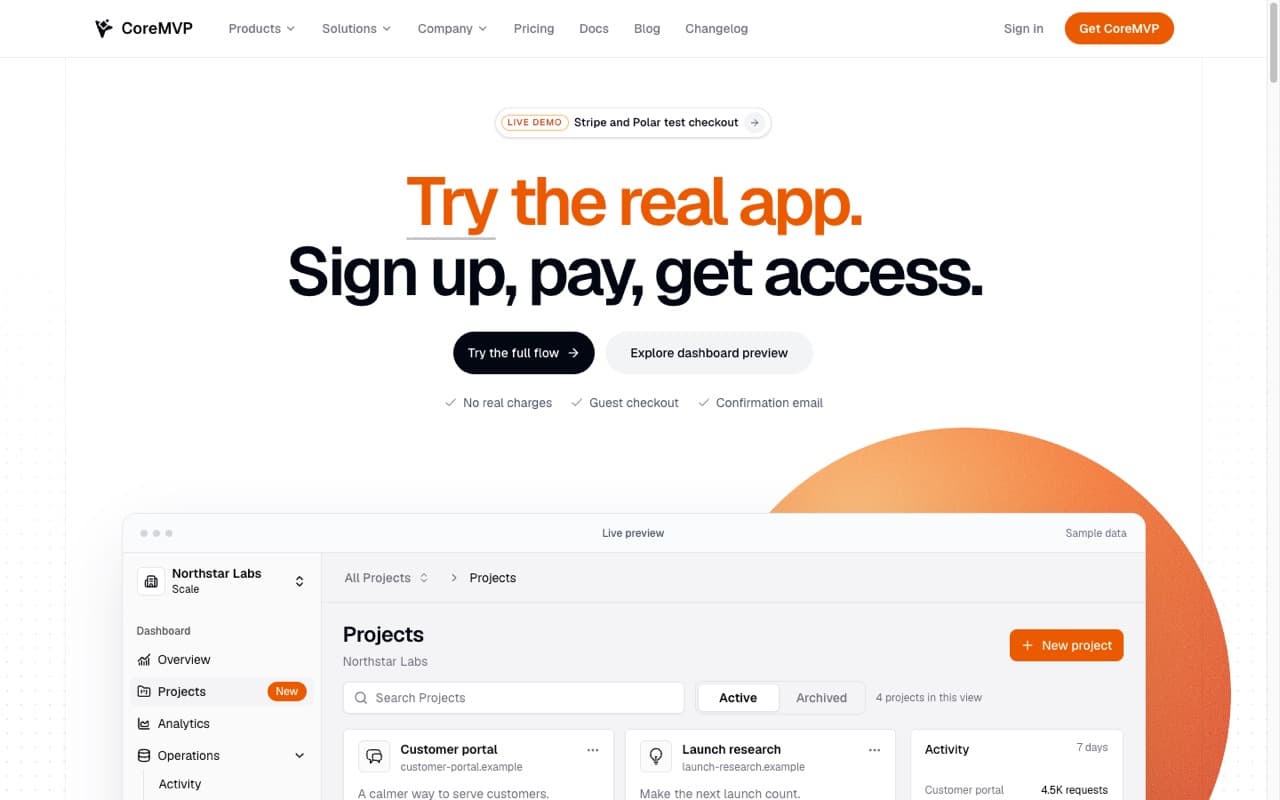
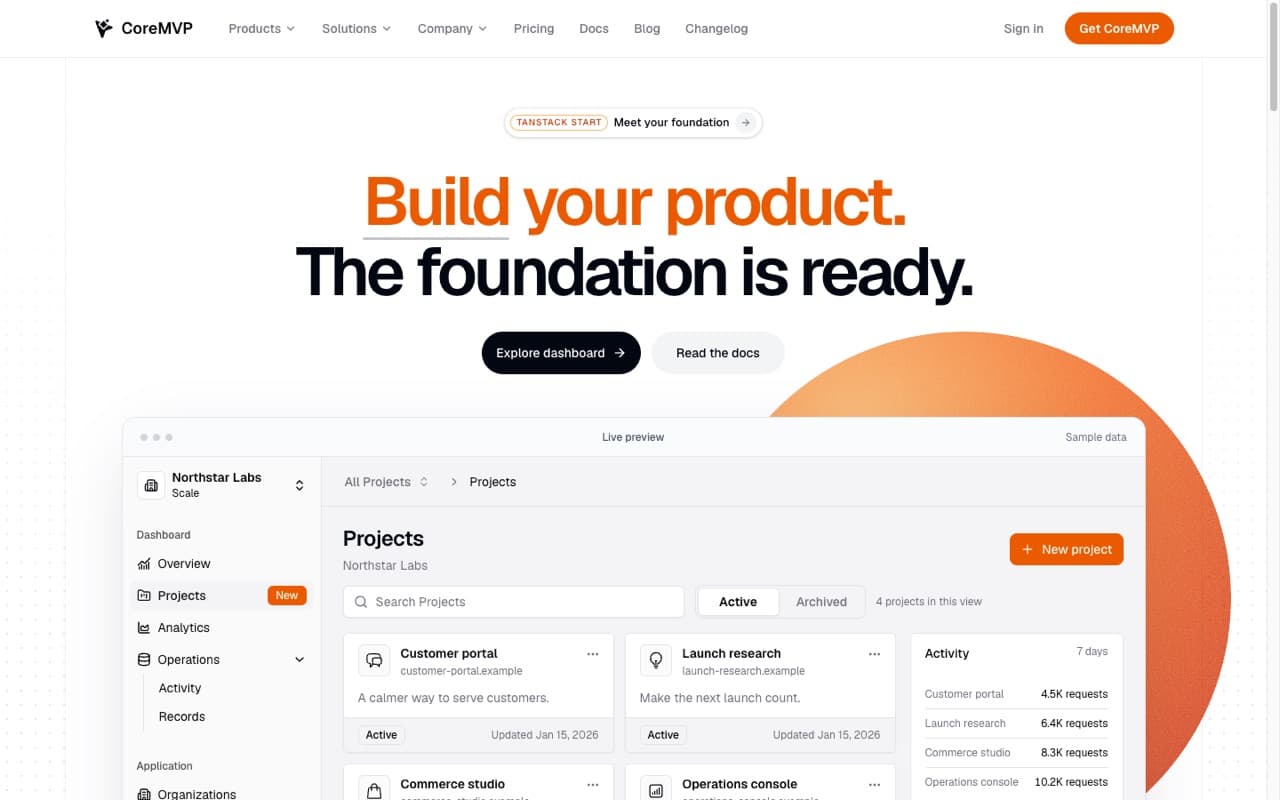
A free, open-source Next.js app with accounts, a protected Dashboard, Stripe subscriptions, Docs and a blog. MIT licensed, so you can ship it commercially.
 Next.js 16
 Supabase
 Stripe
 Drizzle
 Hono
What it does
Every part, already connected
Pick an area. Every screenshot is the real template; open it to try that page in the live demo.
Accounts that already work
Email and password sign-up and sign-in on Supabase Auth. Signing up opens the Dashboard, and the Dashboard and Account pages are protected.
- Email and password
- Sign-up opens the Dashboard
- Protected pages
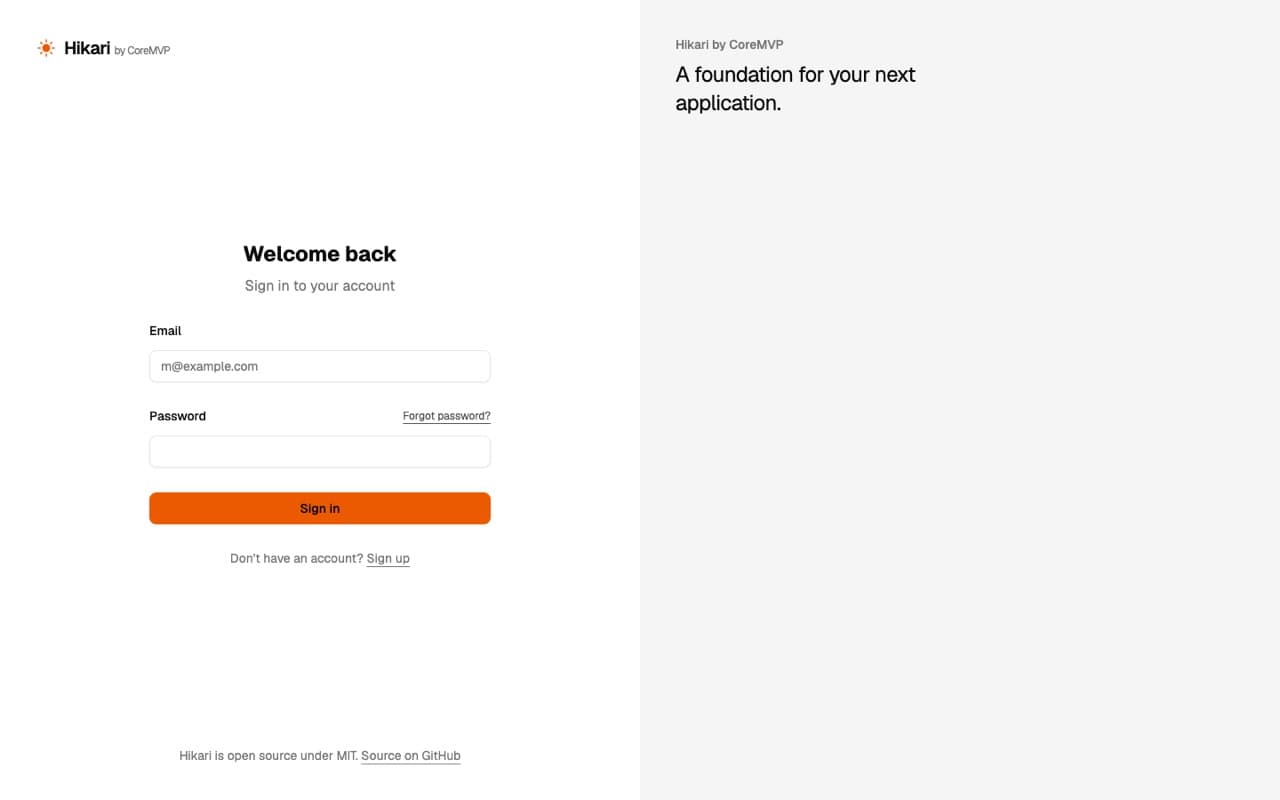 Sign in (opens the live demo in a new tab)
A Dashboard to build on
A Dashboard with Overview, Projects and Analytics examples, plus a protected Account page. Try the Dashboard on the landing page without an account, then replace the examples with your product.
- Overview
- Projects example
- Analytics components
- Account page
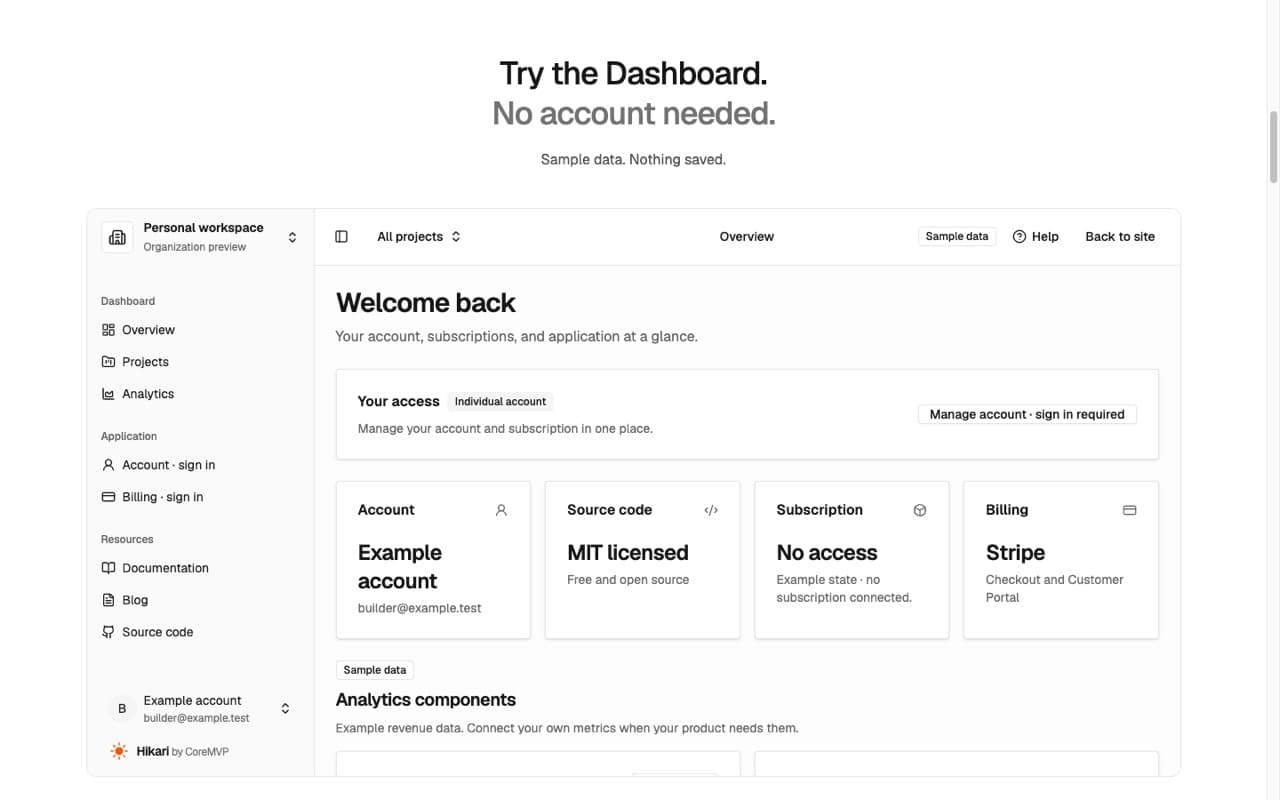 Dashboard (opens the live demo in a new tab)
Stripe subscriptions
Monthly and yearly plans through Stripe Checkout. Verified webhooks store the subscription, and the Customer Portal handles changes and cancellation.
- Stripe Checkout
- Monthly and yearly
- Verified webhooks
- Customer Portal
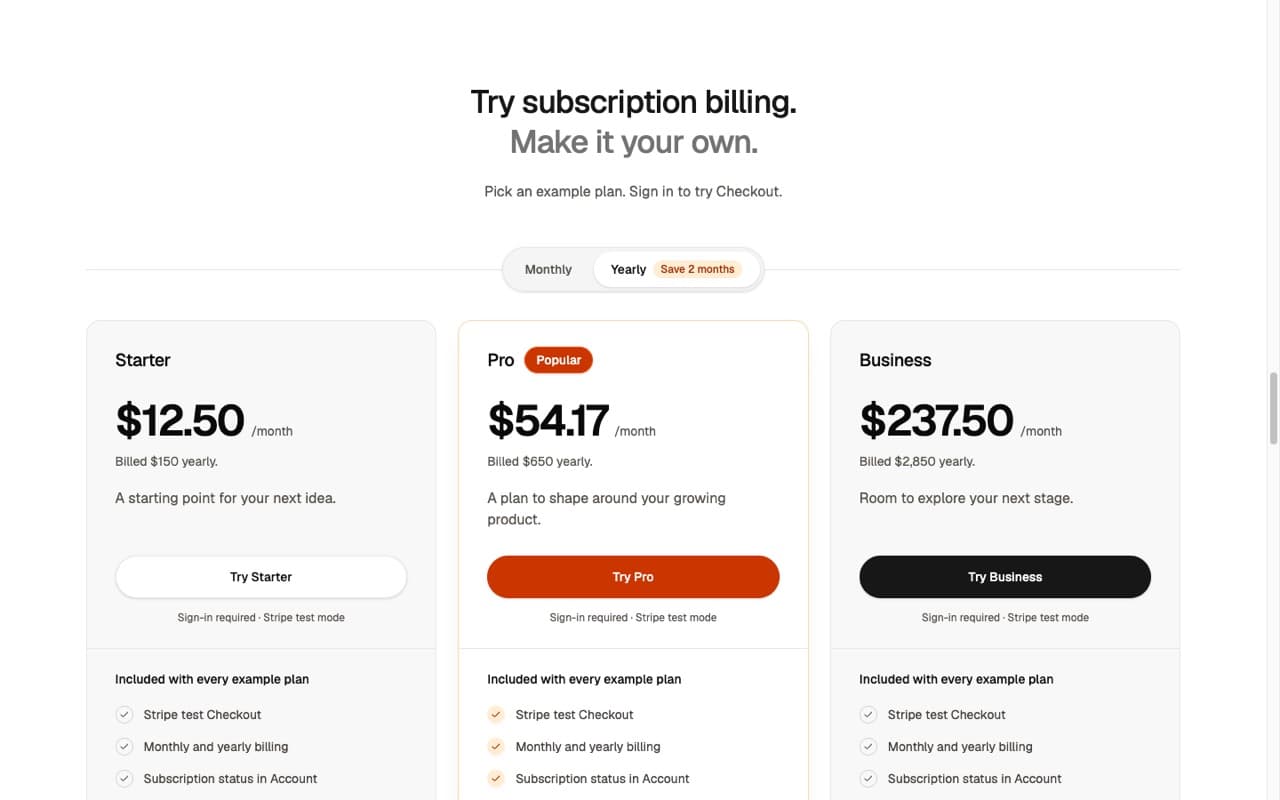 Pricing (opens the live demo in a new tab)
Docs and a blog with your code
Fumadocs with search for your product Docs, and an MDX blog, in the same repository and deployment.
- Fumadocs
- Search
- MDX blog
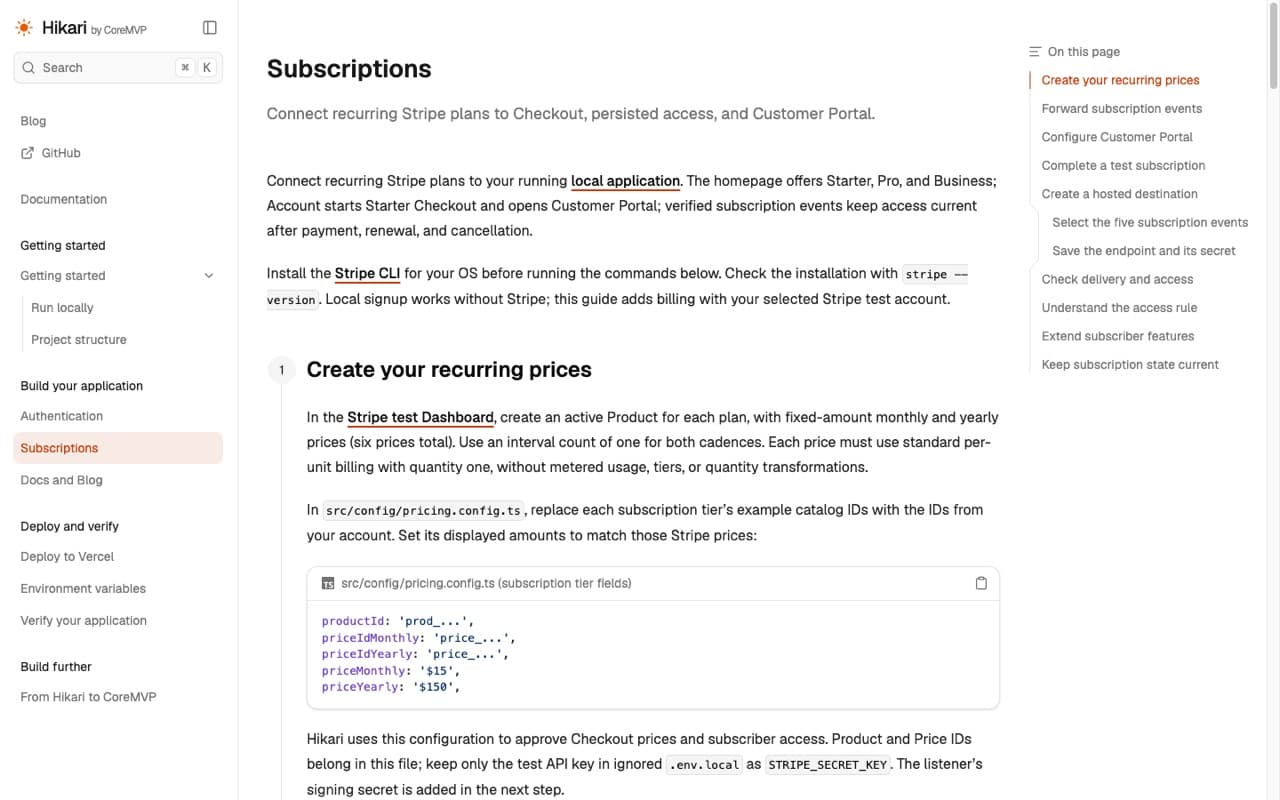 Payments Docs (opens the live demo in a new tab)
Every page included
The pages you start with
- Sign in/signin (opens the live demo in a new tab)
- Dashboard/#dashboard-preview (opens the live demo in a new tab)
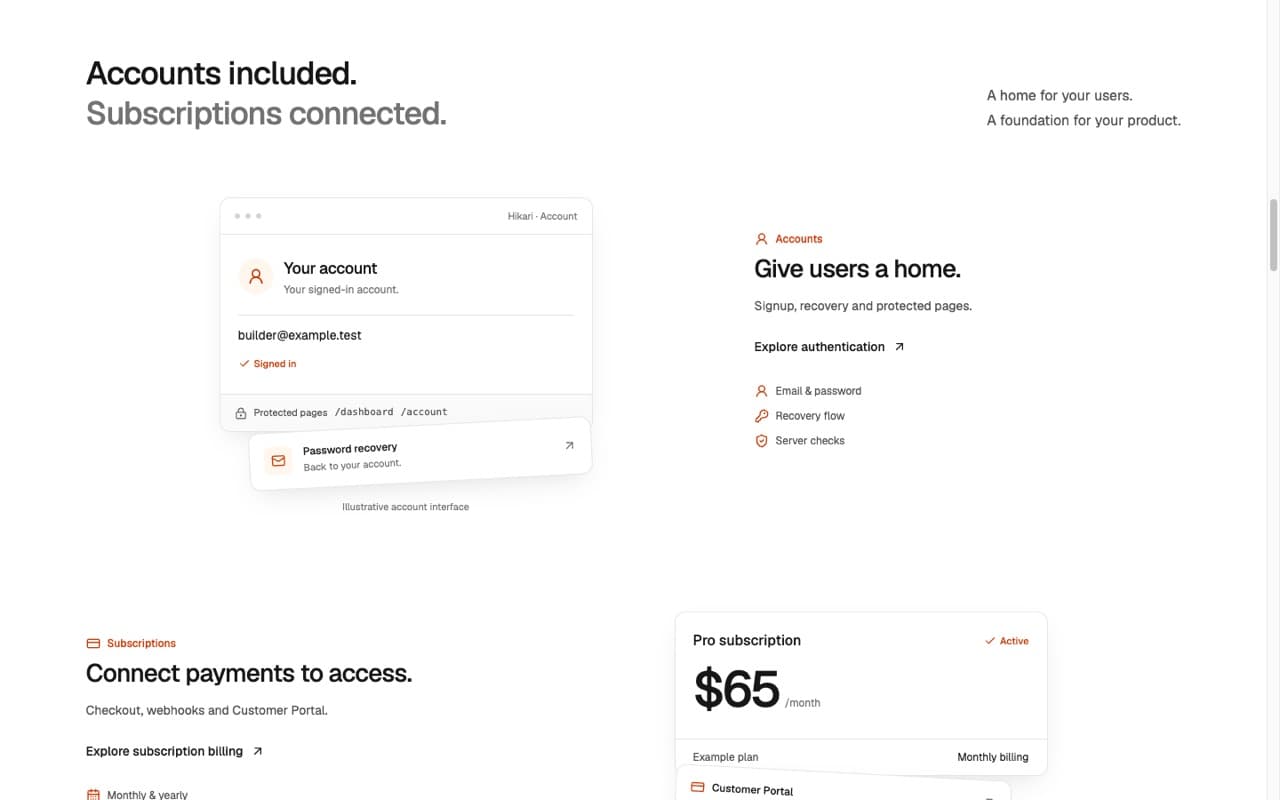 Accounts and billing/#foundation-title (opens the live demo in a new tab)
- Pricing/#pricing (opens the live demo in a new tab)
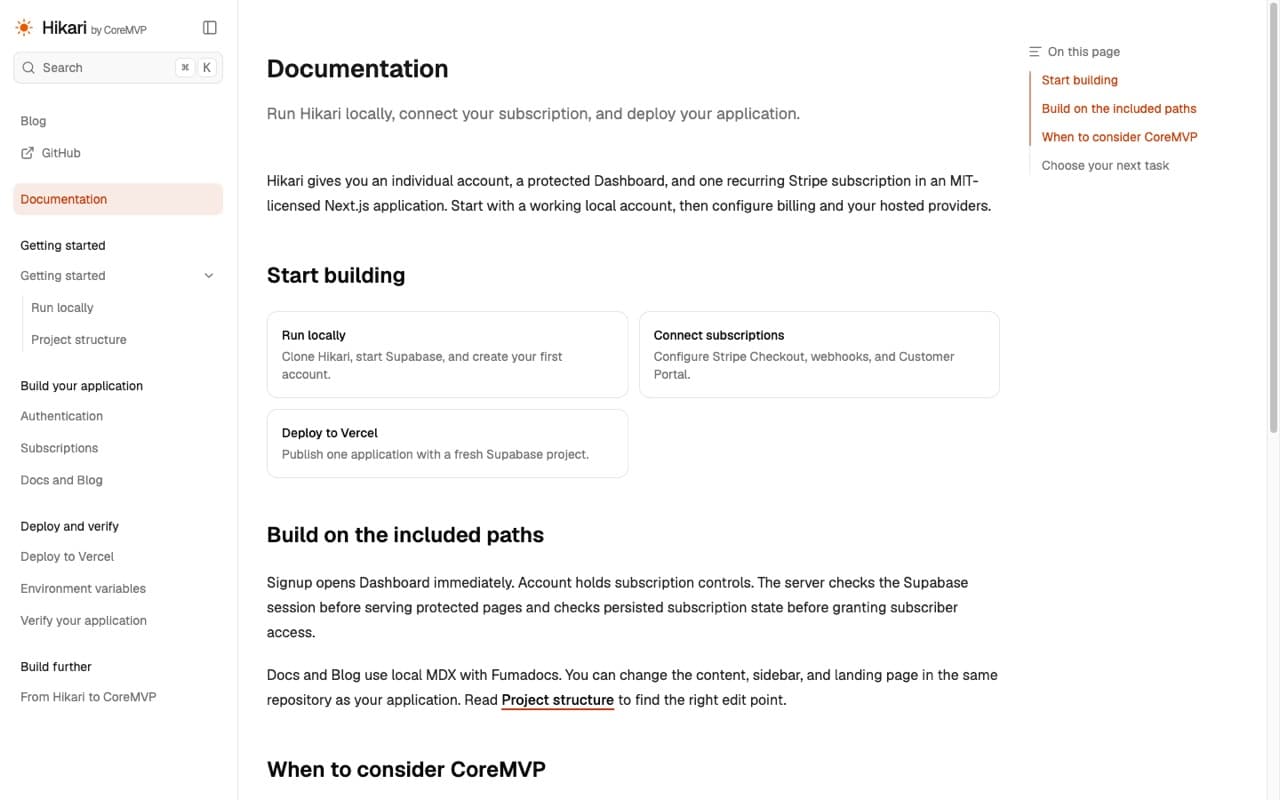 Docs/docs (opens the live demo in a new tab)
- Payments Docs/docs/features/payments (opens the live demo in a new tab)
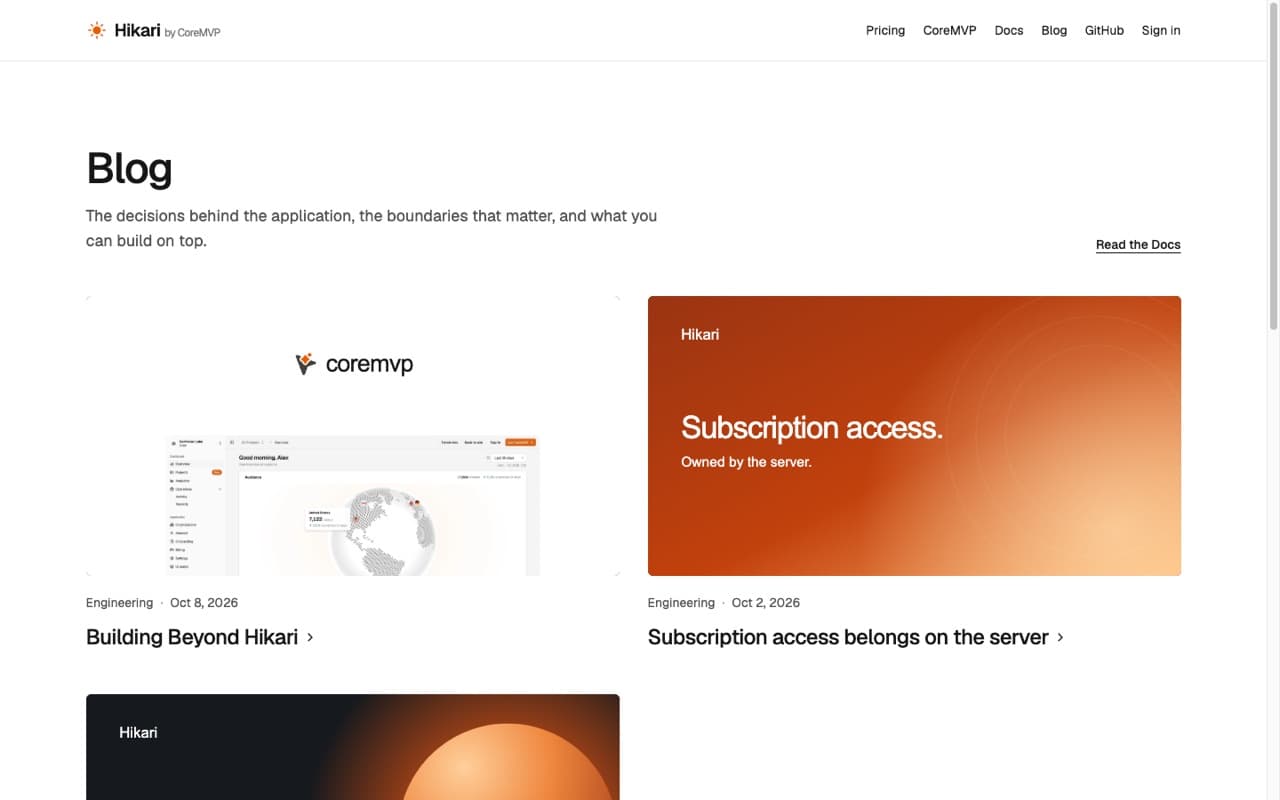 Blog/blog (opens the live demo in a new tab)
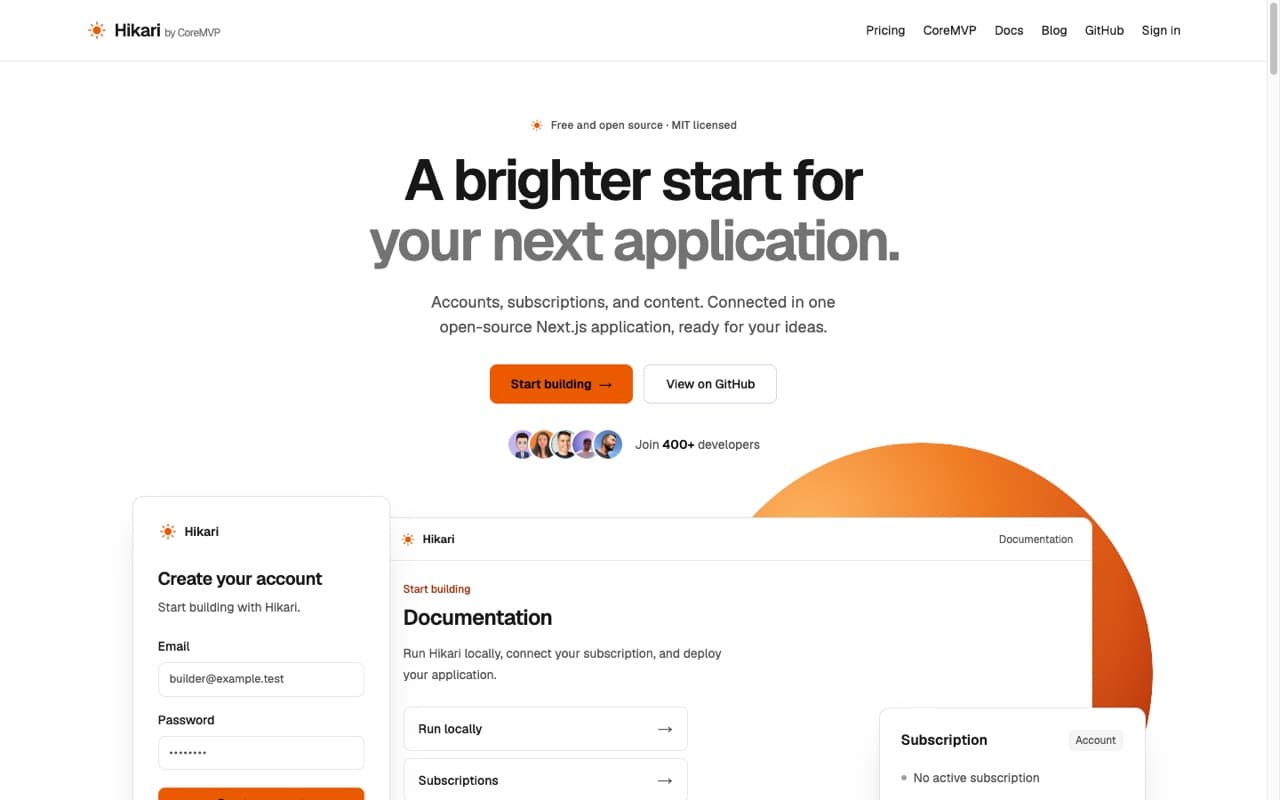 Landing pagehikari.coremvp.com (opens the live demo in a new tab)
What's included
Hikari is one Next.js app on Supabase Auth and Postgres, with Stripe Checkout for subscriptions and Fumadocs for Docs and the blog. Fork it from GitHub, add your features, and deploy it on Vercel.
- MIT license
- Use it commercially, change it and ship it. No purchase needed.
- Public repository
- The full source on GitHub. Fork it and own the code.
- Accounts and a protected Dashboard
- Sign-up, sign-in and the pages behind them, already connected.
- Stripe subscriptions
- Checkout, verified webhooks and stored subscription state.
- Docs and a blog
- Fumadocs and MDX in the same app, with search.
- Docs for every part
- Run locally, authentication, payments and Vercel deployment, each with a working path.
The technology
- Next.js v16.3
- React v19.3
- Tailwind CSS v4.3
- Hono v4.13
- Supabase Auth and Postgres
- Drizzle ORM v0.45
- Stripe v23
- Zod v4.6
- Fumadocs v16.4
- TypeScript v5.9
Up and running in minutes
Clone, install, start Supabase locally, sync the environment and run.
View on GitHub (opens in a new tab)From the Hikari Docs. Hikari needs Bun 1.3.14, Node.js 20.19 or later and a running Docker daemon:
git clone https://github.com/coremvp/hikari.git my-app
cd my-app
bun install
bunx supabase start
bunx supabase migration up --local
./coremvp env sync
bun run dev
Open http://localhost:3000 (opens in a new tab) and create an account; signup signs you in and opens the Dashboard. Configure Stripe after that works.